Overview
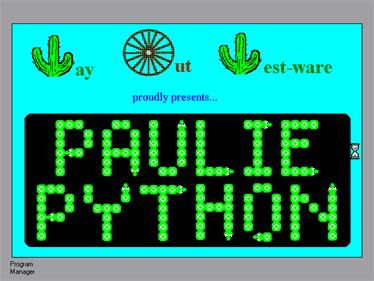
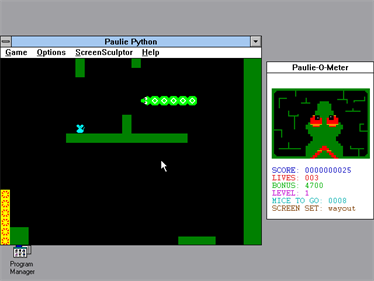
Paulie Python is a snake that is hungry for mice. Your task is to guide the green python through various scrolling levels and eat all mice in each of them. However, the mice are often scattered around the level, so you have to search for them first. With each eaten mouse, Paulie grows a bit, making it more difficult to avoid his own tail. You must neither crash into the tail nor the walls, otherwise you will lose a life. Another hazard you might encounter are white balls that bounce around and kill your character when they hit his head. Keep in mind that Paulie's tail stays the same size when you advance to the next level. The same happens when Paulie dies and has to restart a level, while all previously eaten mice reappear. This means that the python grows to an enormous size during the course of the game.
You are awarded points for eating mice and bonus points when you beat a level, given that the bonus timer has not run out yet. The faster you clear a level, the more bonus points you earn, which are multiplied by the level number. When Paulie runs out of lives, your game is over. If you got a high score, you can enter your name in the top five.
The python can either be controlled by the arrow keys or by the mouse. For clearing a level of all mice, you either go to the next level in the given order or a random level is chosen, depending on the settings. It is also possible to freely choose a level. Furthermore, you can adjust the difficulty by selecting between five different levels of speed. The registered version of this shareware game features the ScreenSculptor, an editor which allows you to build your own levels.
- Developers
- Craig Thompson
- Publishers
- No information available
- Platform
- Windows 3.X
- Genre
- Action
- Alternate Names
- No information available
- Wikipedia
- No information available
- Video
- No information available